13 August, 2026
Author
Getmany
Upwork Scams in 2026: How to Spot and Avoid Them
Last updated: August 2026 · By the GetMany editorial team, based on active Upwork agency experience
Upwork is a legitimate platform with escrow protection and identity verification – but scammers use its scale to reach millions of freelancers. Below you'll find the 9 most common upwork scam schemes active in 2026, a complete red flags checklist, and a step-by-step plan if you've already been targeted.
Is Upwork Itself a Scam?
No – Upwork is not a scam. It's a public company that has processed billions in freelancer payments since 2010, with documented escrow protection, dispute resolution, and an active trust and safety team. The question "is upwork a scam" trends on Reddit not because the platform is fraudulent, but because the freelancer experience has real friction points that feel dishonest.
The two biggest frustrations that fuel the "is upwork legit" debate:
- Paid Connects on unmoderated job posts. Freelancers spend Connects (which cost real money) to apply to jobs that turn out to be fake, outdated, or ghost postings – positions that were never meant to be filled. That friction is real, and Upwork doesn't fully address it.
- Ghost jobs and inactive clients. Many job posts sit unreviewed for weeks. Freelancers invest time writing proposals for clients who have already hired elsewhere or abandoned the project.
These are platform design problems, not fraud. Upwork has structural incentives to fix them slowly (Connects revenue), but the platform itself isn't stealing from you. Individual scammers operating on the platform are. If you're frustrated with Upwork's value proposition, see our breakdown of is Upwork worth it in 2026 – that's a separate question from safety.
The 9 Most Common Upwork Scams in 2026
1. The Off-Platform Move (Telegram / WhatsApp / Email Before Contract)
How it looks: Within the first message, the "client" suggests moving to WhatsApp, Telegram, or email – often framed as "easier to communicate" or "our team uses Slack."
What the scammer wants: Once you're off-platform, Upwork can't monitor the conversation, enforce payment, or help with disputes. You lose all protection.
Main red flag: Any request to leave Upwork messaging before a contract exists. Legitimate clients have no reason to do this. This is also the entry point for the upwork recruitment scam pattern – fake recruiters on LinkedIn or via SMS direct you to a "job on Upwork," then immediately try to move communication elsewhere.
2. Fake Check & "Buy Equipment From Our Vendor" Overpayment
How it looks: Client sends a check (or PayPal payment) for more than the agreed amount, asks you to forward the excess to a "vendor" or "equipment supplier."
What the scammer wants: The check bounces days later. Your bank reverses the deposit, but the money you forwarded is gone. This targets virtual assistants and admin roles most often.
Main red flag: Any payment before a contract is signed, especially one that requires you to forward funds. Verify all payments in your Upwork dashboard – never trust screenshots or email confirmations.
3. Pay-to-Work: Deposits, Training Fees, "Verify Your Bank"
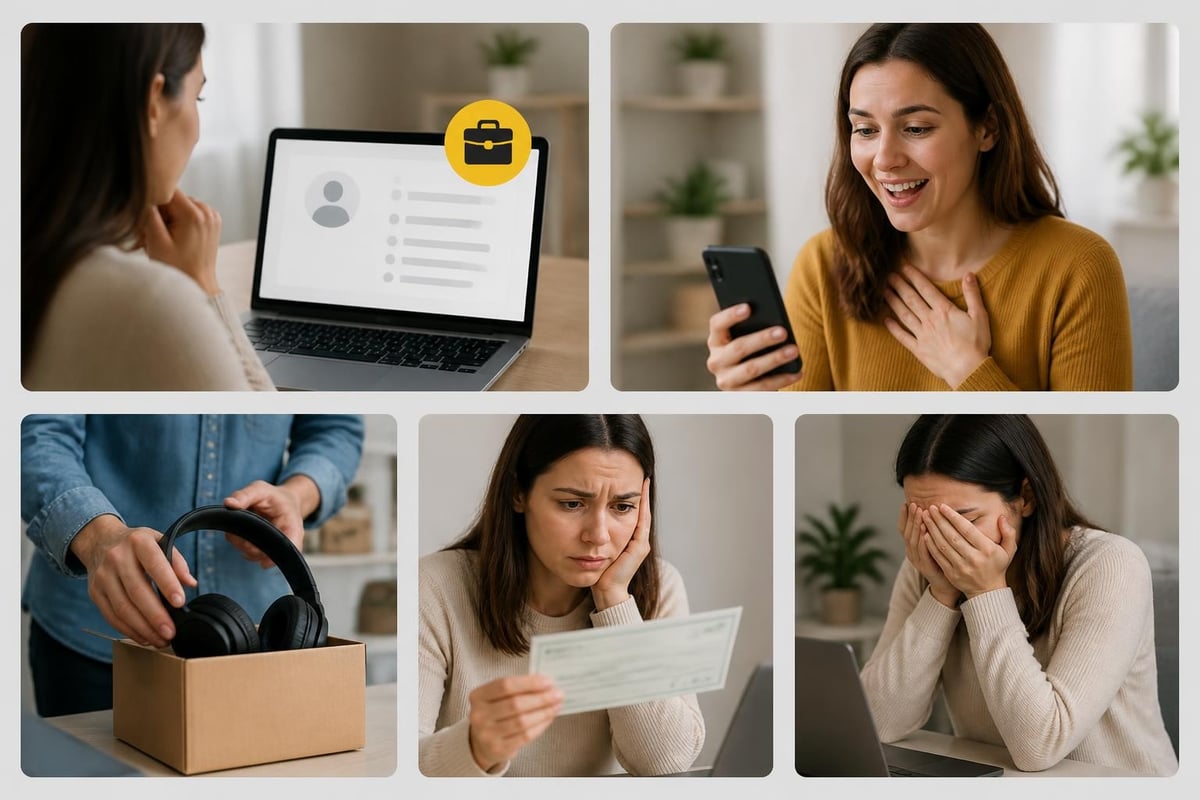
How it looks: Before work starts, the client requests a "refundable deposit," "background check fee," "software license," or "training material" payment. Some variants ask you to "verify" your bank account by sending a small transfer.
What the scammer wants: Your money, upfront. The job doesn't exist. Once paid, they either disappear or manufacture reasons to request more.
Main red flag: Legitimate clients never ask freelancers to pay anything. Ever. Upwork's payment flow goes one direction: client → escrow → freelancer.
4. Phishing: Fake Upwork Support, Login Pages, and Scam Texts
How it looks: You receive an email or upwork scam text message claiming your account has a payment issue, a policy violation, or an urgent verification requirement. The link leads to a convincing fake Upwork login page. Some variants arrive via SMS.
What the scammer wants: Your Upwork credentials, which they use to drain earnings, impersonate you, or sell account access.
Main red flag: Upwork never asks for your password via email or text. Always navigate directly to upwork.com – never through a link in a message. Enable two-factor authentication immediately if you haven't. Research on technical support scams documents how urgency framing bypasses critical thinking in exactly these scenarios.
5. Account Rental and Purchase Offers
How it looks: Someone offers to "lend" you a Top Rated or established account to bypass Upwork's new freelancer restrictions, or sells a "verified" account with positive reviews.
What the scammer wants: Your money (for the purchase) or your identity (for shared access). This is the fastest-growing upwork account scam variant – search volume is up 400% year-over-year (as of August 2026, per DataForSEO US data) as more freelancers get suspended and look for shortcuts.
Main red flag: Beyond the obvious ToS violation, account owners can lock you out any time and keep your earnings. If the account was stolen – which is common – Upwork will reclaim it and ban you as a secondary user. You're also potentially complicit in whatever fraud the original account was used for.
6. Free Work Disguised as a "Test Task"
How it looks: The client requests a complete article, functional code, or finished design as a "skills test" – work that is immediately usable for their business.
What the scammer wants: Free deliverables. After receiving the work, they claim it didn't meet standards or simply disappear. Writers, developers, and designers are most targeted.
Main red flag: Legitimate test tasks are brief, generic, and unrelated to the client's live product. If the "test" looks like a real project they'd pay someone to complete – it is.
7. Crypto Payouts and "Task Platform" Schemes
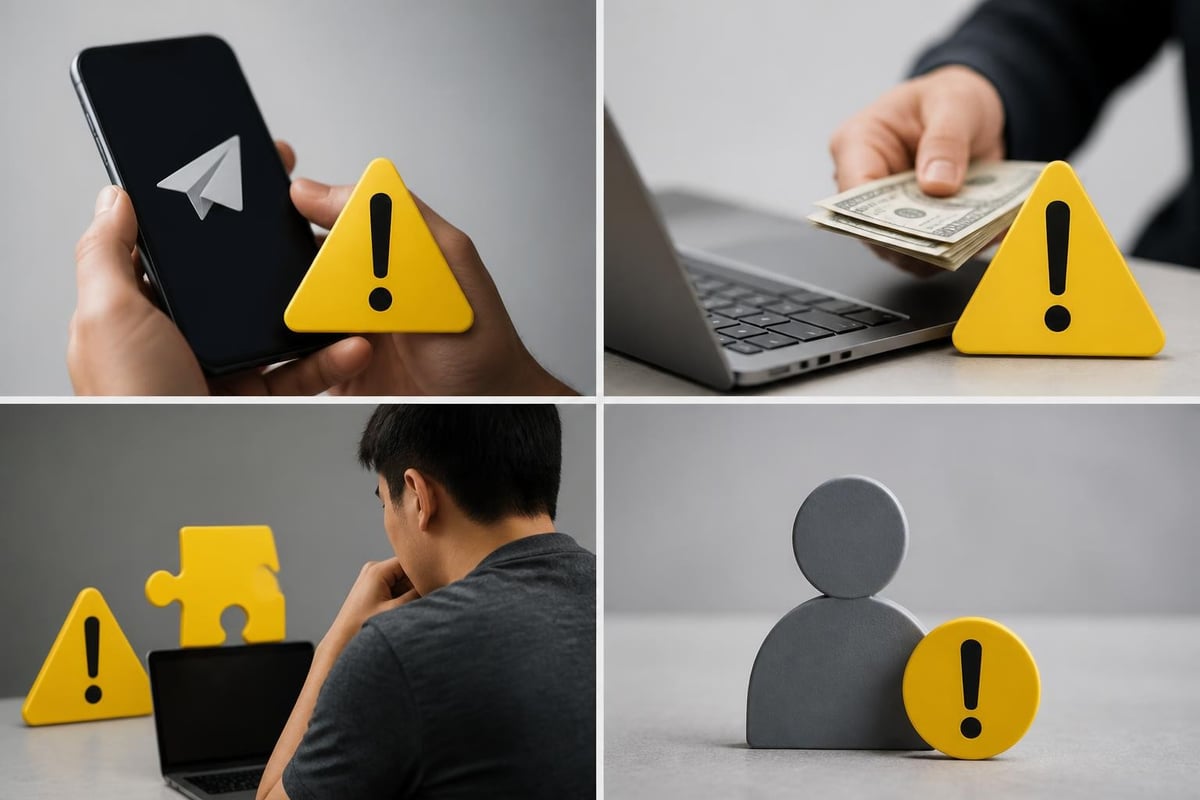
How it looks: Two variants. First: client offers payment in Bitcoin or USDT, claiming it avoids Upwork fees. Second (growing fast): you're recruited to a separate "task platform" – often called something like a "data labeling app" or "rating platform" – that pays in crypto for completing micro-tasks. The platform eventually locks your earnings unless you deposit more to "unlock" them.
What the scammer wants: In variant one, unpaid work or fake transaction confirmations. In variant two, your deposit money – the task platform is a Ponzi-style trap. Academic research on crypto exchange scams documents how the irreversible nature of blockchain transactions makes these nearly impossible to recover from.
Main red flag: Any payment outside Upwork's escrow, and especially any "investment" required to access your own earnings on a third-party platform.
8. Fake Recruiters Leading You "to Upwork" (LinkedIn / SMS)
How it looks: A recruiter contacts you on LinkedIn, via SMS, or through a cold email with a high-paying "remote opportunity." They direct you to Upwork to "complete your application" – then immediately suggest moving communication off-platform to close the deal.
What the scammer wants: Your personal information (for a "background check"), upfront fees, or just to harvest contact details at scale. The upwork recruitment scam variant via WhatsApp is especially active in 2026 – the recruiter never intended to hire anyone.
Main red flag: Legitimate recruiters using Upwork don't need to pull you through a multi-step off-platform funnel. If a job "on Upwork" starts outside Upwork – treat it as suspicious until verified.
9. Scams That Target Clients, Too
Freelancers aren't the only targets. Fake freelancer profiles with stolen portfolios accept milestone payments and disappear. Agencies get invoiced for deliverables that were plagiarized or AI-generated without disclosure. For clients and hiring managers, the same vetting principles apply: verify work history independently, use milestone-based contracts, and never pay outside Upwork's escrow.
Upwork Scam Red Flags: The Complete Checklist
Use this table when evaluating any new client or job posting. It covers the signals that AI Overview currently attributes to competitors – this version is more complete.
| Red Flag | What It Actually Means | What to Do |
|---|---|---|
| Asks to move to WhatsApp/Telegram before contract | Trying to escape Upwork's monitoring and payment protection | Decline, report, withdraw proposal |
| No payment method verified on profile | Client has no financial accountability on the platform | Do not apply; flag if the job looks suspicious |
| $0 total spent, account created this week | Throwaway account with no track record | Request a video call before investing time |
| Job rate is 3-5x above market for simple tasks | Bait to attract desperate or inexperienced freelancers | Research the rate; if it makes no sense, walk away |
| Requests a "registration fee" or "software license" payment | Pay-to-work scam – no legitimate client does this | Report immediately; do not pay |
| Sends a check or payment screenshot before contract | Fake check scam; document is fabricated | Verify only through your Upwork dashboard |
| Requests passport, SSN, or bank details in early messages | Identity theft or account takeover attempt | Stop communication, report to Upwork |
| Test task is a full, immediately usable deliverable | Free work extraction – no real job exists | Decline any unpaid test above 1-2 hours of effort |
| Profile photo is a stock image or celebrity photo | Fake identity; real clients use real photos | Request video verification before any work |
| Offers crypto payment "to avoid Upwork fees" | No payment protection; likely won't pay at all | Decline; all payments must go through Upwork |
| Mentions a separate "task platform" with crypto earnings | Ponzi-style scheme; will lock your earnings for a "deposit" | Refuse; report the job post |
| Pressures you to decide within hours | Artificial urgency to prevent you from researching the client | Take time; legitimate clients don't disappear in 24h |
| Email or text claiming Upwork account problem | Phishing attempt for your login credentials | Ignore the link; log in directly at upwork.com |
| Hire rate is 0% despite many past jobs posted | Posts jobs with no intent to hire; possible scam or ghost jobs | Skip unless other signals are strong |
How to Vet a Client Before You Spend Connects
Check six data points on every client profile before applying: payment method verified, total spent, hire rate, average rate paid, review text, and account age. This 90-second check eliminates most upwork scam encounters before they start – and saves both Connects and proposal time.
What to verify on every client profile:
- Payment method verified – non-negotiable; unverified profiles have zero accountability
- Total amount spent – $0-$100 on an account claiming to run a large agency is a mismatch
- Hire rate – below 20% means they interview many but hire almost no one
- Average hourly rate paid – compare to the job posting; large gaps indicate deceptive listings
- Freelancer reviews – read the actual text, not just the star rating; look for patterns
- Account creation date – accounts under 30 days old with big claims deserve extra scrutiny
For agencies processing dozens of opportunities weekly, platforms like GetMany let you filter job postings by client signals – payment status, spend history, hire rate – before you ever spend a Connect. The goal is the same one you'd apply manually: don't waste resources on clients who haven't proven they actually hire. See also: client red flags and when to walk away for a deeper vetting framework.
For high-value projects, request a brief video call before writing a full proposal. Legitimate clients expect due diligence from serious freelancers – scammers avoid video because it breaks their anonymity.
What to Do If You've Been Scammed on Upwork
Stop contact immediately, screenshot everything, report through Upwork's system, change your password, and contact your bank if money moved. For US freelancers: file with IC3.gov and FTC ReportFraud. Speed determines how many options you still have.
Here's the full sequence:
- Stop all contact immediately. Don't confront, argue, or threaten – it signals engagement and sometimes triggers retaliation.
- Screenshot everything. Messages, the client's profile, any payment confirmations or documents they sent. Do this before reporting, because Upwork may hide the profile after you flag it.
- Report through Upwork's official system. Use the "Report" button in the message thread or the "Flag as Inappropriate" option on the job post. Select the most accurate violation category and paste the relevant message excerpts.
- Change your password and enable 2FA if you clicked any link in a suspicious message – even if you didn't enter credentials.
- Contact your bank immediately if you transferred money. Request a chargeback for card payments. Wire transfers are harder to reverse, but initiating the process fast improves your odds.
- File a report with authorities (US). For internet fraud: IC3.gov (FBI's Internet Crime Complaint Center). For scams involving fake recruiters or identity theft: FTC ReportFraud. These reports also help law enforcement identify serial scammers.
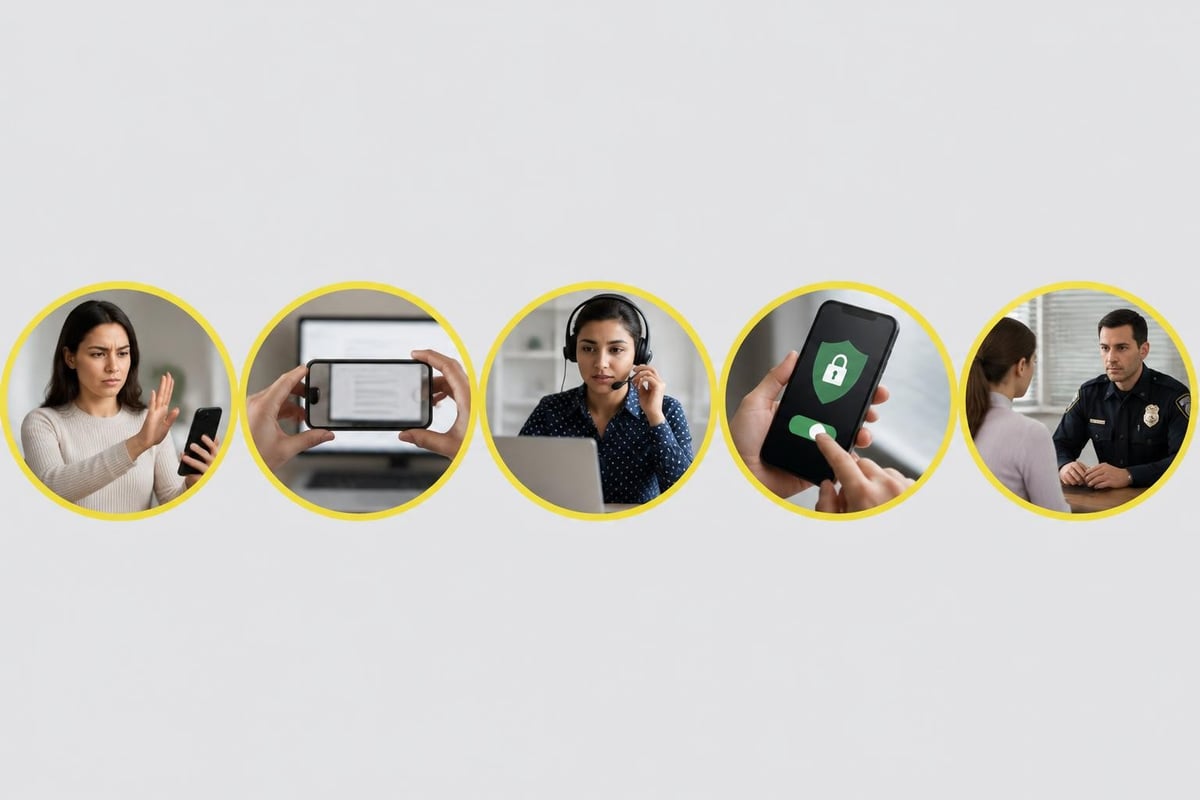
How to Report a Scam on Upwork (Step by Step)
Upwork has three reporting paths depending on what happened:
For a suspicious job post (before applying): Open the listing → click the three-dot menu → "Flag as Inappropriate" → select the most accurate reason → submit. Upwork's trust and safety team reviews flagged posts within 24-48 hours.
For a message or conversation: Open the message thread → click "Report" → describe the suspicious behavior → attach screenshots → submit. Reference the official Upwork scam reporting guide for current interface steps, as the UI updates periodically.
For account compromise or identity theft: Contact Upwork support directly through the Help Center contact form and mark the issue as urgent. Include your account details and a timeline of what happened. Response time for security emergencies is typically faster than standard reports.
After submitting: document the report confirmation, continue monitoring your account for unauthorized activity, and don't re-engage with the reported user if they contact you again.
How Upwork Protects You – and Where Protection Ends
Upwork's protections are strong inside the platform and nonexistent outside it. Understanding the boundary is more useful than assuming you're always covered.
What Upwork's protection covers:
- Escrow for fixed-price contracts – client funds are held before work begins; released on approval or via dispute resolution
- Hourly payment protection – logged hours with Work Diary screenshots are covered if the client doesn't pay (with conditions on activity tracking)
- Identity verification – both clients and freelancers can be required to verify ID
- Dispute resolution – a formal process for payment disagreements on platform contracts
- Message monitoring – automated and human review flags known upwork scam language patterns
Where protection ends: The moment you agree to work, communicate, or accept payment outside Upwork's systems. This is the absolute line. Off-platform agreements have no escrow, no dispute resolution, and no recovery path through Upwork. The platform is explicit about this in its terms of service and scam prevention resources.
If you want to understand how Upwork's policies interact with AI-powered tools and automation, see Upwork's AI policy explained – compliance matters especially for agencies running high-volume workflows.
Frequently Asked Questions About Upwork Scams
How Do I Know If an Upwork Job Is Legit?
Check four things in under two minutes: payment method verified (must show on profile), total amount spent (zero = no track record), reviews from previous freelancers (read the text, not just stars), and whether the job rate matches market reality. If any of these are missing or mismatched, apply the vetting checklist above before spending a Connect. If you're a new freelancer, see our Upwork tips for beginners for a broader safety framework.
Is Upwork Safe or Not?
Upwork is safe as a platform – its payment infrastructure, escrow system, and identity verification are legitimate. What's not safe is working outside Upwork's official systems, skipping client vetting, or responding to off-platform requests. Freelancers who follow platform guidelines and apply basic due diligence work safely on Upwork every day. The risk is behavioral, not structural.
Is It Safe to Give Upwork Your SSN?
Yes – Upwork requests SSN (or equivalent tax ID) for US-based freelancers earning over $600/year, for IRS 1099 reporting purposes. This is standard and legally required. Submit it only through the official Upwork tax information form in your account settings – never send your SSN in a message to a client or via email. If a "client" asks for your SSN directly, that is an identity theft attempt.
What Are the Most Common Upwork Scams Right Now?
In 2026, the three highest-volume upwork scam types are: off-platform payment requests (asking you to move to WhatsApp/Telegram), fake test tasks designed to extract free work, and account rental/purchase offers (up 400% year-over-year). Phishing via fake SMS – the so-called "upwork scam text message" – is also rising as scammers move to mobile channels.
Can I Get My Money Back After an Upwork Scam?
It depends on whether the transaction went through Upwork. Work completed under a proper Upwork contract with escrow funding is covered by dispute resolution – you can file a dispute and Upwork will mediate. Money sent outside Upwork (wire, crypto, gift cards) is nearly impossible to recover through Upwork. Act immediately: contact your bank for chargebacks, and file with IC3.gov or FTC ReportFraud for documentation that may help with recovery.
Does Upwork Refund Freelancers Who Get Scammed?
Upwork doesn't issue direct refunds for losses from scams, but its dispute resolution process can release escrowed funds to freelancers who completed legitimate work. For hourly contracts, Upwork's Payment Protection covers tracked hours under specific conditions. If you were scammed in a way that violated Upwork's terms – such as a client who reversed a fraudulent payment – Upwork support can sometimes intervene. Losses from off-platform activity are entirely outside their jurisdiction.
The pattern across every upwork scam type is the same: scammers push you off-platform, create urgency, and exploit trust in Upwork's brand. Slow down, verify through official channels, and stay within the platform's ecosystem – that's where your protection lives.
GetMany helps 450+ agencies scale on Upwork without wasting resources on bad opportunities. Don't spend Connects on job posts that haven't cleared basic client verification – filter by payment status, spend history, and hire rate before you write a single word of a proposal. With AI handling 85% of Upwork workflows and saving 30 hours weekly, your team focuses time on clients worth winning.